System requirements
Airport X-Ray Simulator system requirements
A mid-range PC from 2023 runs Airport X-Ray Simulator comfortably: it asks for 8 GB of RAM and 2 GB of storage.
Full controller support
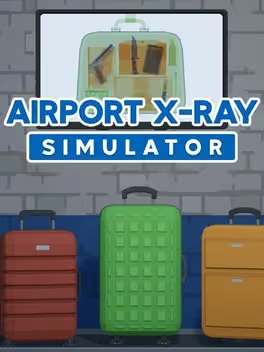
Step into the critical role of a baggage security operative in Airport X-Ray Simulator. As part of the backbone of airport security, you are the last line of defense against prohibited or illegal items making their way onto an aircraft or into the airport.
| Minimum | Recommended | |
|---|---|---|
| OS | Windows 10 | Windows 10 |
| Processor | Intel core i3 | Intel core i5 |
| Memory | 4 GB RAM | 8 GB RAM |
| Graphics | Dedicated GPU > 5 years old | GTX 1060 |
| Storage | 2 GB available space | 3 GB available space |
Storage
2 GB
Questions and answers
- What are the system requirements for Airport X-Ray Simulator?
- A mid-range PC from 2023 runs Airport X-Ray Simulator comfortably: it asks for 8 GB of RAM and 2 GB of storage.
- Does Airport X-Ray Simulator have controller support?
- Full controller support
- How much RAM does Airport X-Ray Simulator need?
- 4 GB RAM
- What graphics card does Airport X-Ray Simulator need?
- Dedicated GPU > 5 years old
- How much storage space does Airport X-Ray Simulator need?
- 2 GB available space
Airport X-Ray Simulator
More about this game
Browse