Steam Deck
Does Senran Kagura: Peach Beach Splash work on Steam Deck?
Steam Deck
This game runs on Steam Deck, but with caveats. You may need to bring up the on-screen keyboard yourself, or adjust settings.
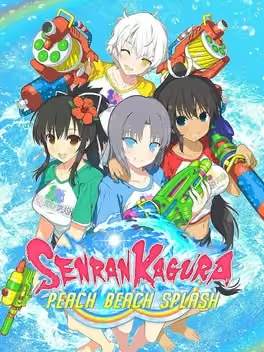
The summer of bouncy, high-flying hijinks continues for the girls of SENRAN KAGURA! They've fought rival ninja, evil masterminds, and apocalyptic demons from beyond the veil of sanity, but nothing—NOTHING in their lives has ever prepared them for...a water gun fight?! Summoned to a mysterious tournament by its shady organizers, the buxom shinobi students team up and face off, using all kinds of water weapons to soak and splash their opponents. As they rise through the tournament brackets, they'll uncover the secrets behind the organization - secrets that hide an ever-growing threat to... Wait, what? Sorry, I was watching all the splashing. Choose a team of five from the more than 30 girls available, outfit them with customizable weapons and abilities, lead them through lighthearted water gun battles across five single-player storylines, or join your friends online and take on opposing teams worldwide. Come on in; the water's great!
System requirements
| Minimum | Recommended | |
|---|---|---|
| OS | Windows 7+, 64-bit OS | Windows 7+, 64-bit OS |
| Processor | Intel Core i3-550 @ 3.2 GHz (2-core) | Intel Core i5-6400 @ 3.2 GHz / AMD A8-6500 @ 3.50 GHz |
| Memory | 6 GB RAM | 8 GB RAM |
| Graphics | NVIDIA GeForce GTS 450 | NVIDIA GeForce GTX 950 / AMD Radeon R7 360 |
| Storage | 22 GB available space | 22 GB available space |
| DirectX | Version 11 | Version 11 |
Questions and answers
- Does Senran Kagura: Peach Beach Splash work on Steam Deck?
- Playable. This game runs on Steam Deck, but with caveats. You may need to bring up the on-screen keyboard yourself, or adjust settings.
- How much RAM does Senran Kagura: Peach Beach Splash need?
- 6 GB RAM
- How much storage space does Senran Kagura: Peach Beach Splash need?
- 22 GB available space
Senran Kagura: Peach Beach Splash
More about this game
Browse